# Workflow Configurations
For the workflow module (which has been designed as a microservice) to communicate with the core system or other external systems, a specific configuration needs to be set for this to happen. See the different workflow configuration below:
# APL Configuration
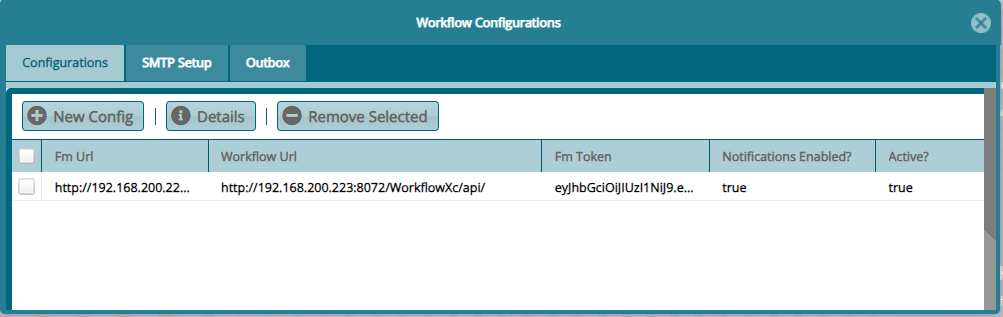
This window displays the configurations set to connect the workflow to FundMaster. Click New Config button to open a dialog box to configure a new API:
# SMTP Setup
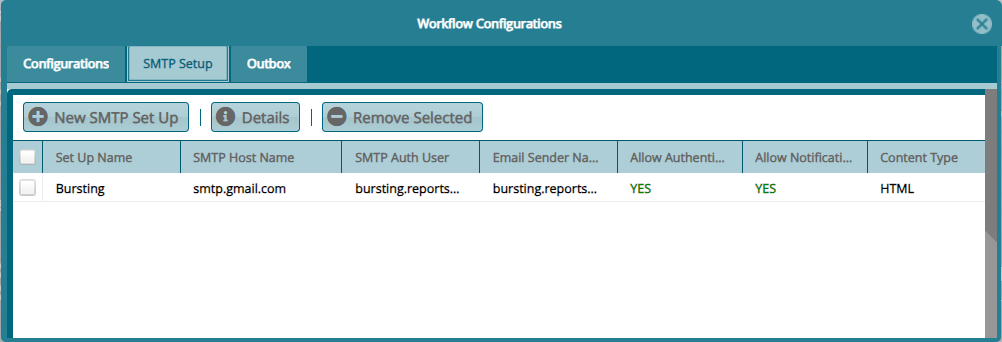
This window displays the configurations set to connect the workflow to a email service provider for sending of notification messages from the workflow module. Click New Config button to open a dialog box to setup a new SMPT:
# Outbox
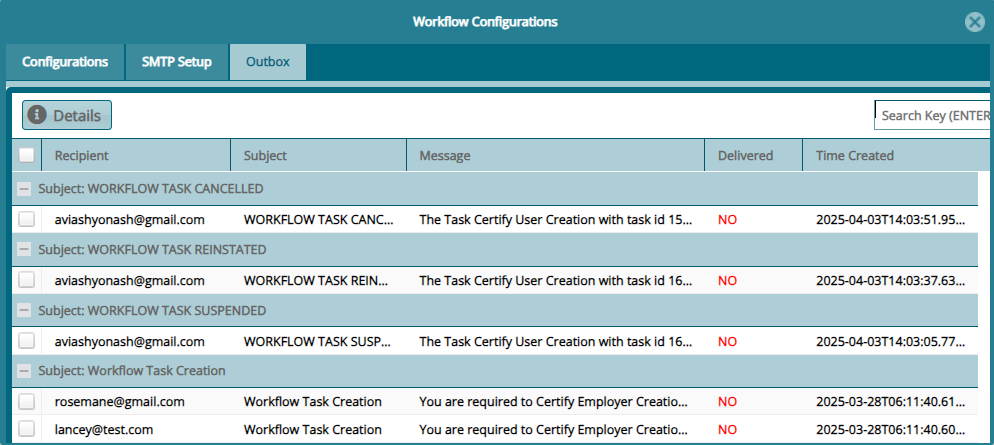
This window displays the copies of emails that have been sent from the
workflow. From this window one can also check if a mail has been
delivered by looking at the status on the Delivery column as shown
below: