# Meetings
The 'Meetings' schedule window lists all schedulled meetings in a scheme.
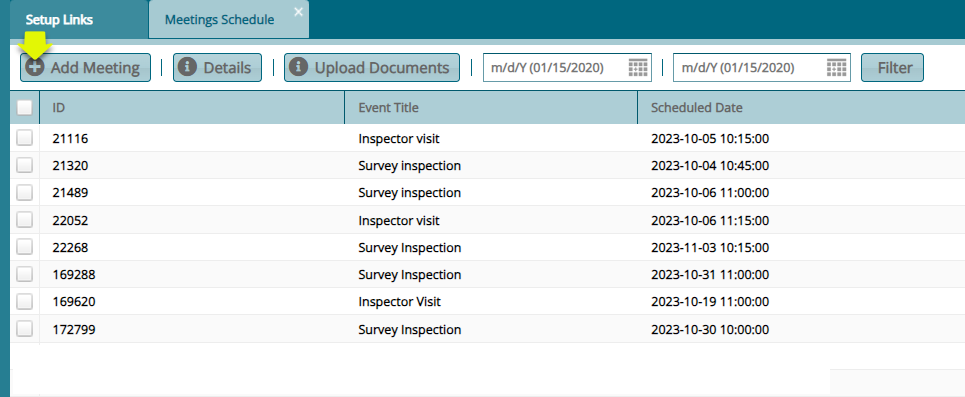
Click the 'Meetings' menu item to open the meetings schedule window to view a list of scheduled meetings as shown below:
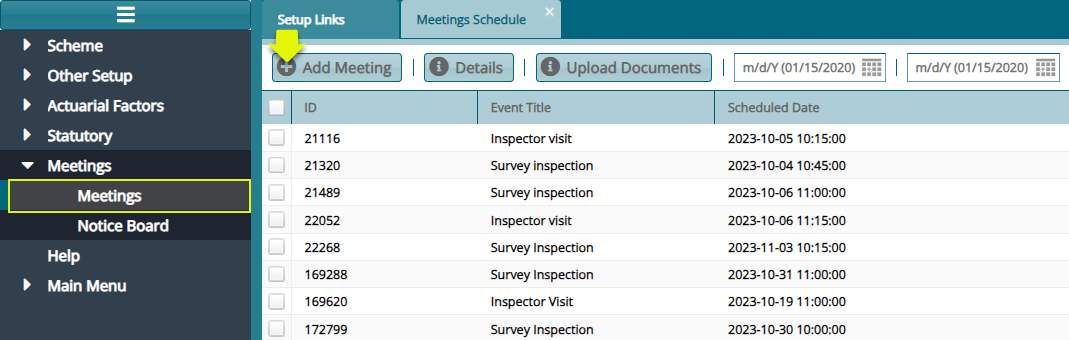
To schedule a new meeting, click the 'Add Meeting' button to open a dialog box to capture the details of a new meeting:
# Add Meeting
Click the 'Meetings' link to open a window where all scheduled meetings are listed. Clicking the 'Add Meeting' button will open a dialog box for capturing the details for a new meeting schedule. See screenshot below:
# Notice Board
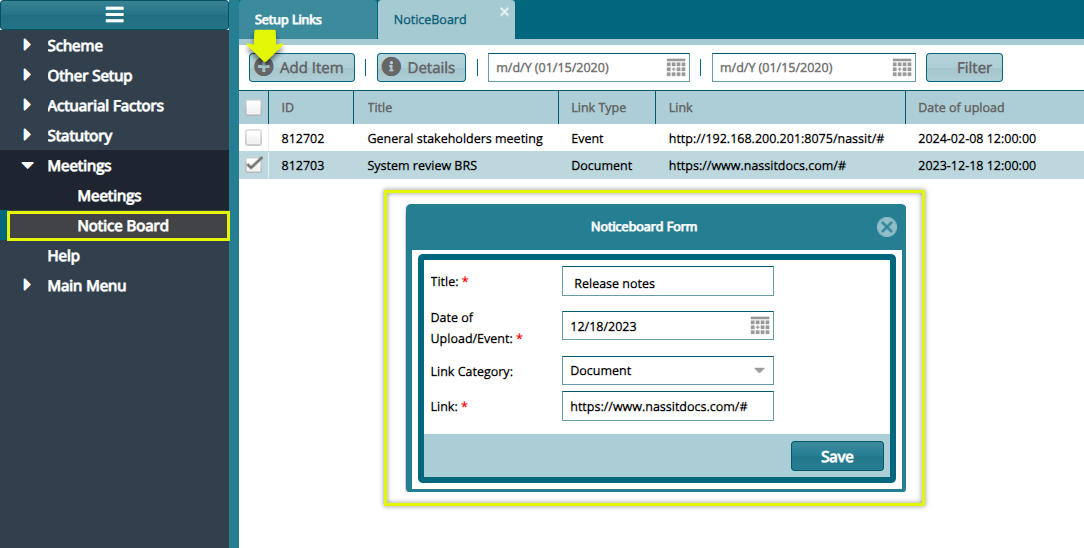
Click the 'Notice Board' link to open a window where all items on the notice board are itemized. Clicking the 'Add Item' button will open a dialog box for capturing the details of a new item. See screenshot below: